AI study app for iPhone
Turn study materials into notes you can learn from.
Import a PDF or document, capture a photo, record a lecture, paste text, or add a YouTube link. Noteo makes structured notes and tools to help you practice.
Explore Noteo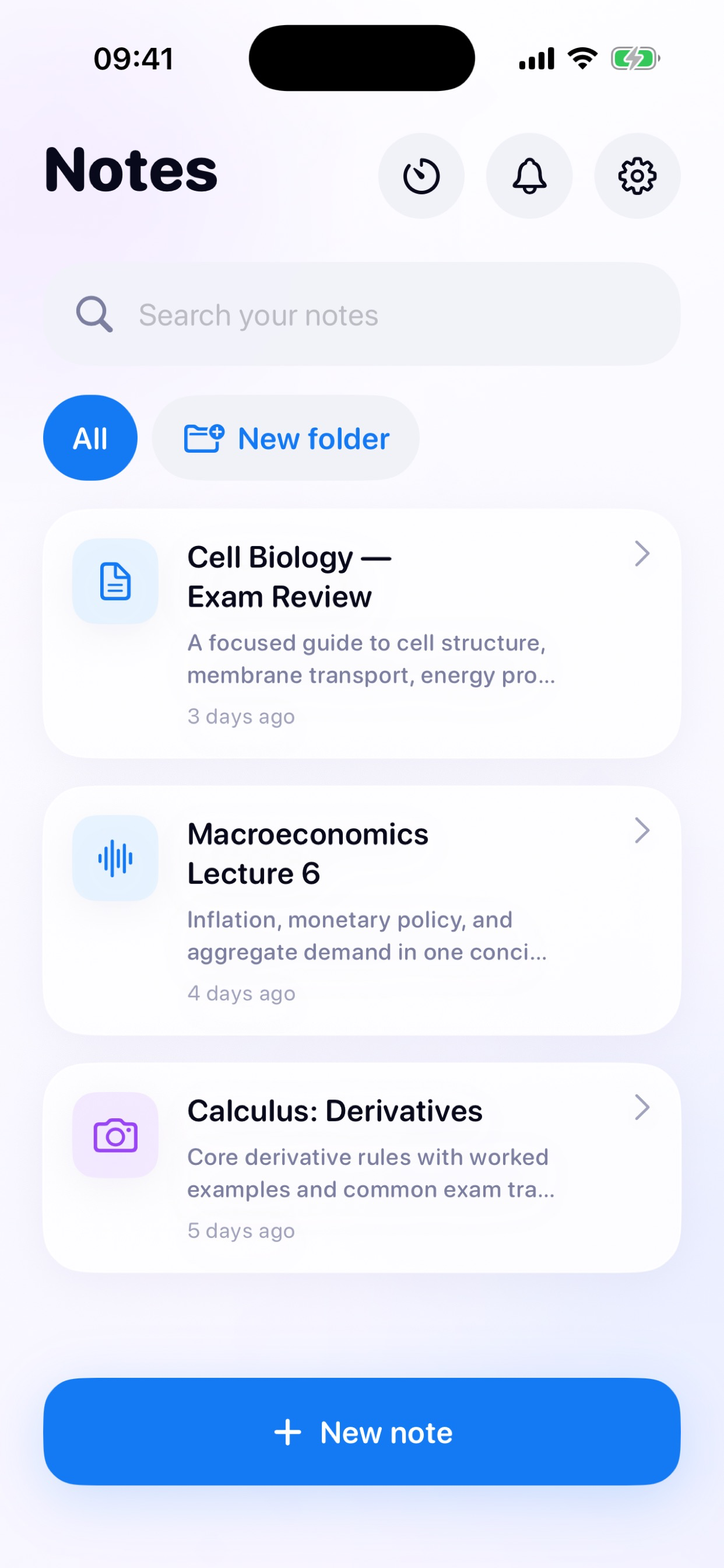
01 / Import
Start with the source.
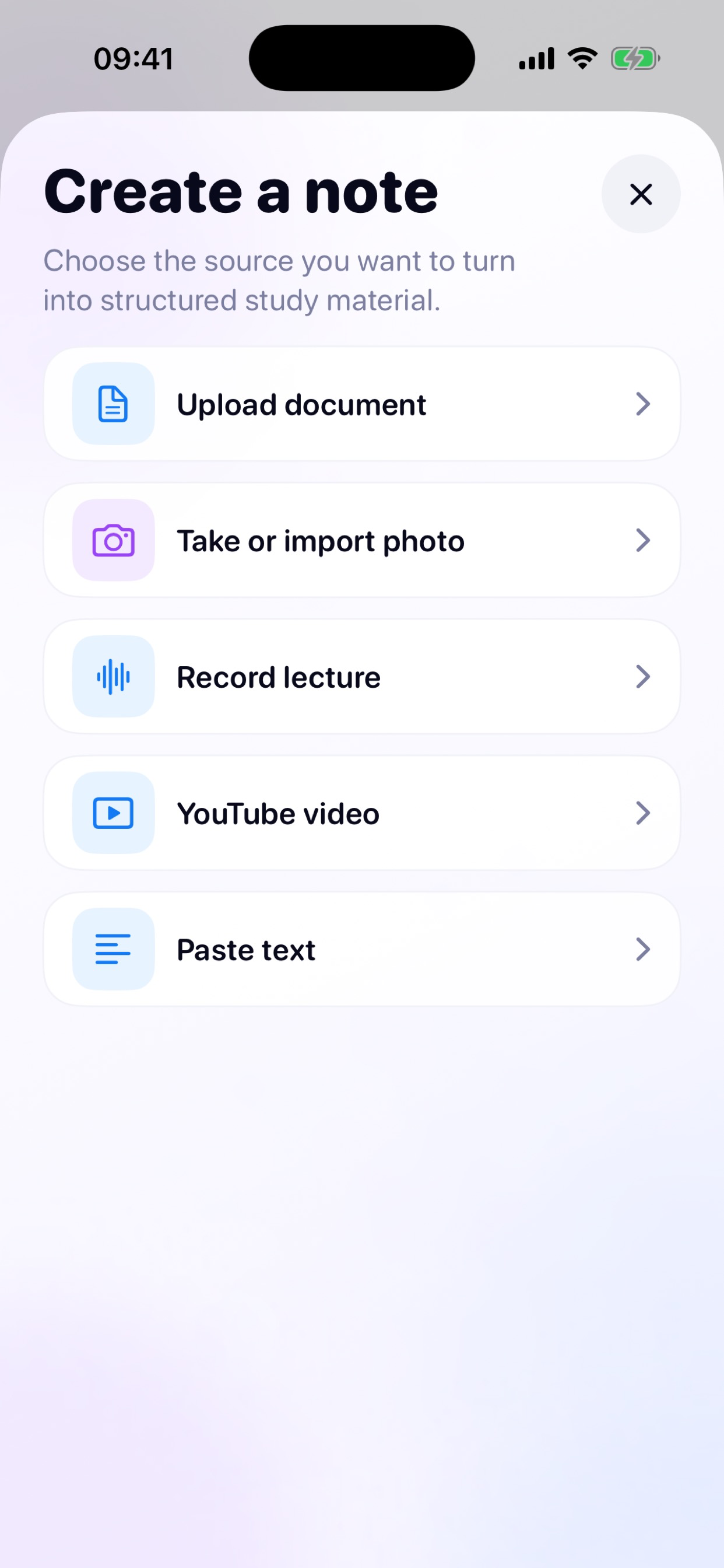
Upload documents, take or import a photo, record a lecture, paste text, or use a supported YouTube video. Noteo organizes the source into focused notes, summaries, and chapters.
Keep subjects tidy with folders and search.
02 / Practice
Study actively.
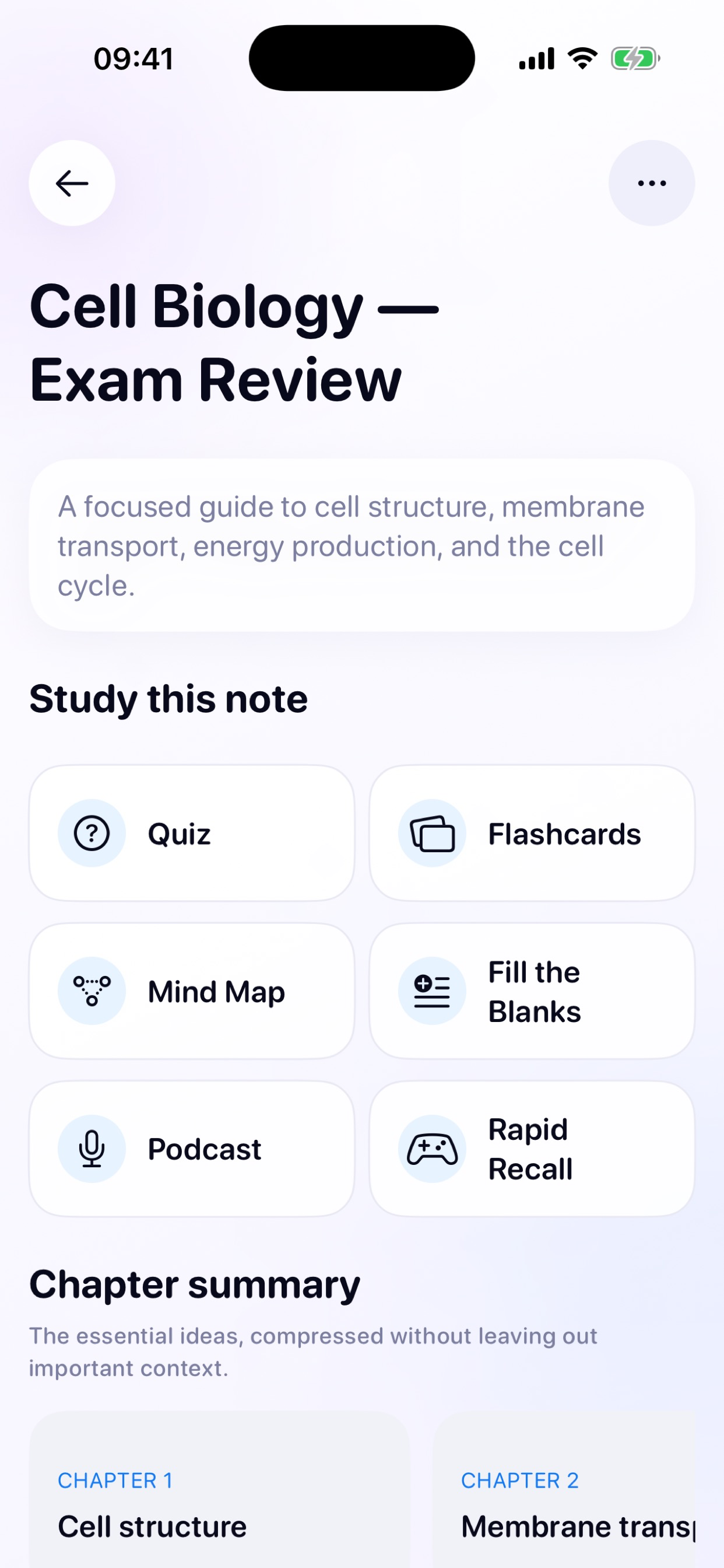
Create flashcards and quizzes grounded in your note. Try fill-in-the-blanks and rapid-recall games, explore a mind map, or listen to a study podcast. Ask questions about the selected note when you need clarity.
03 / Focus
Keep your place.
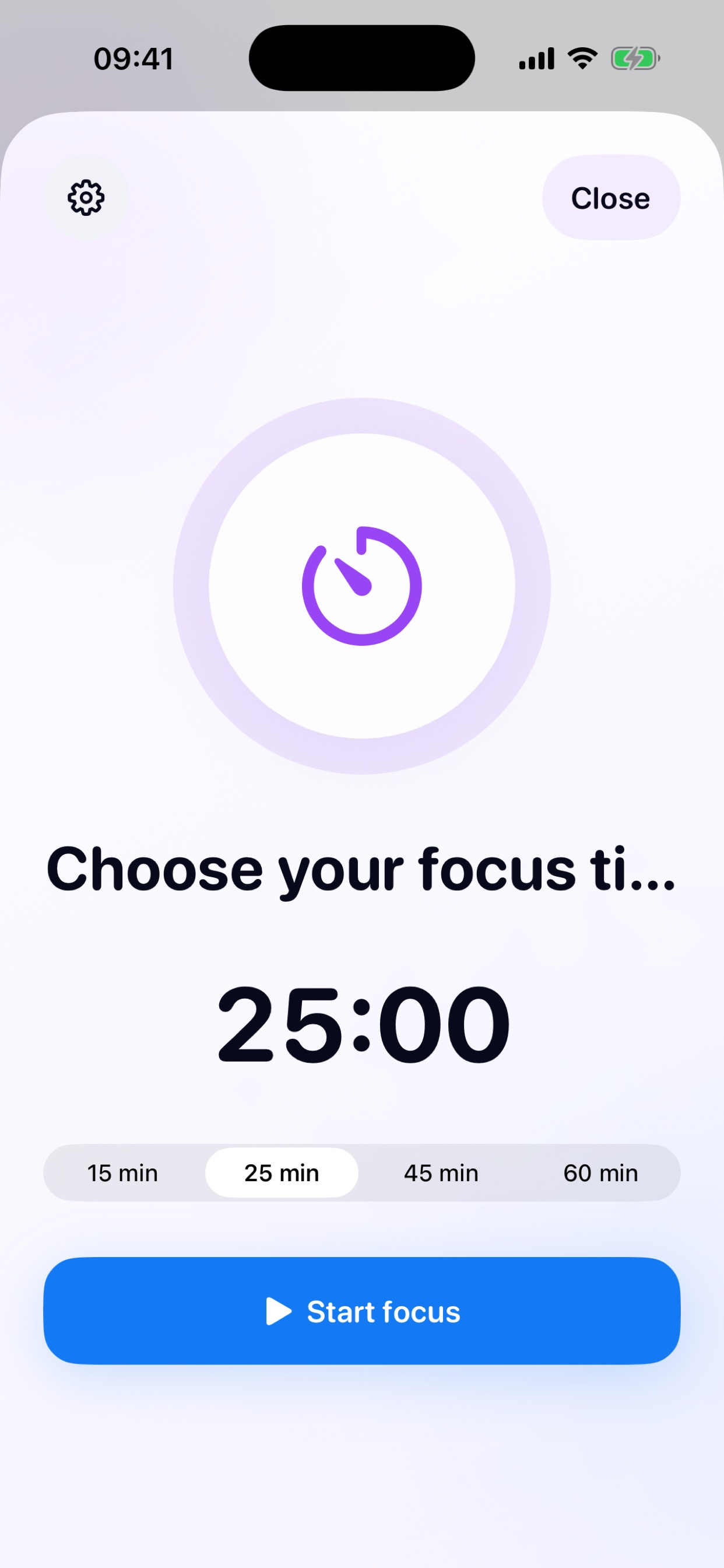
Use Focus Mode with a configurable timer, track study sessions and quiz results, and resume processing or studying after reopening the app. Your sources and generated materials stay tied to your private Noteo account.
AI-generated content can contain mistakes. Check important information against your original source.